The workflow

Sketch. Save. Open in your DAW.

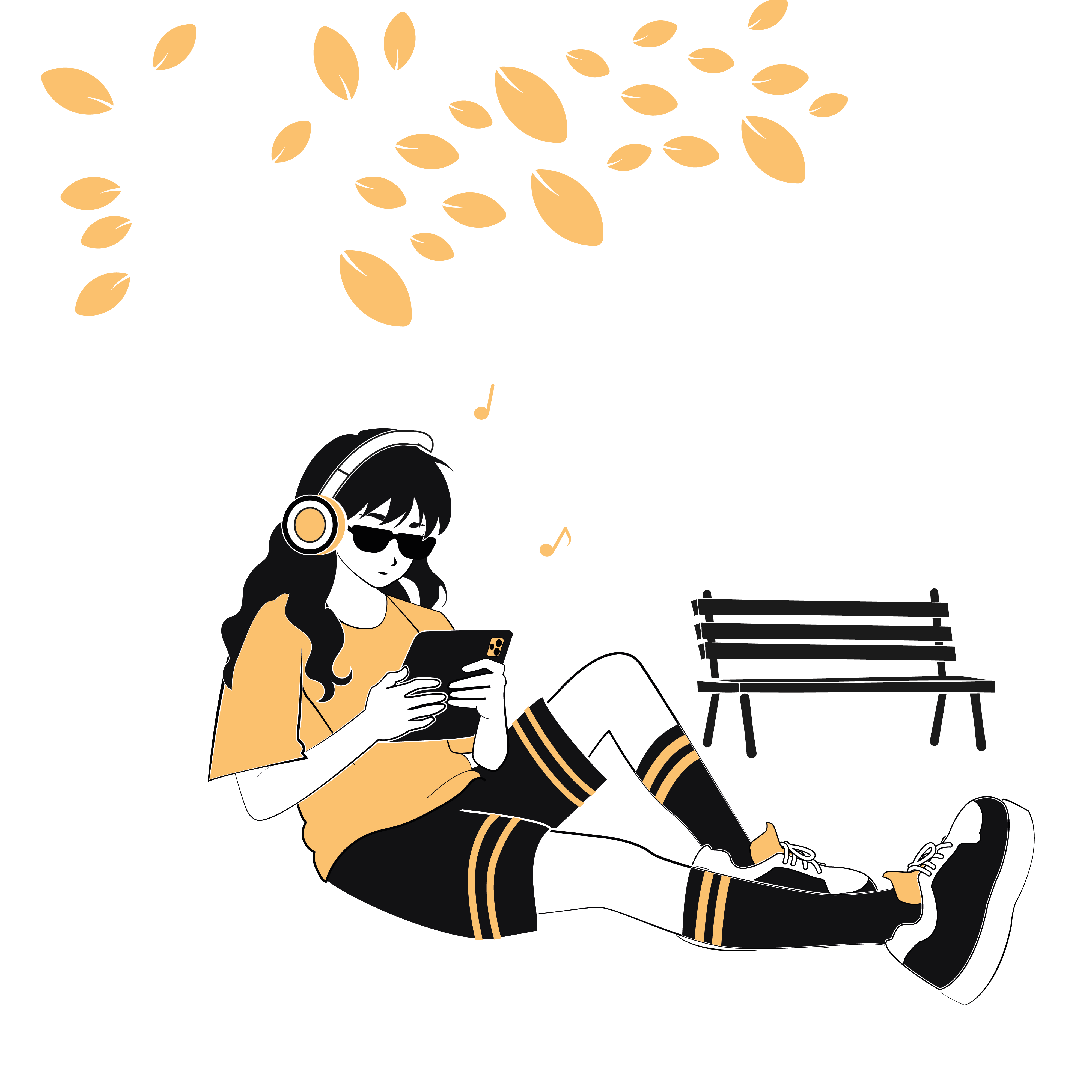
Producer sketching a beat on a tablet sampler outdoors in a park
01ON THE TABLET

Sketch in the park.

Open KITE Sampler on your iPad or Android tablet. Chop a sample, sequence a pattern, patch in a couple of effects. Save.

A single KITE Sampler project file moving between a tablet and a desktop computer
02ONE PROJECT FILE

Full session — one project file.

Samples, mappings, routing, and sequences all live in the project. Move it however you move files — no conversion, no rebuild.

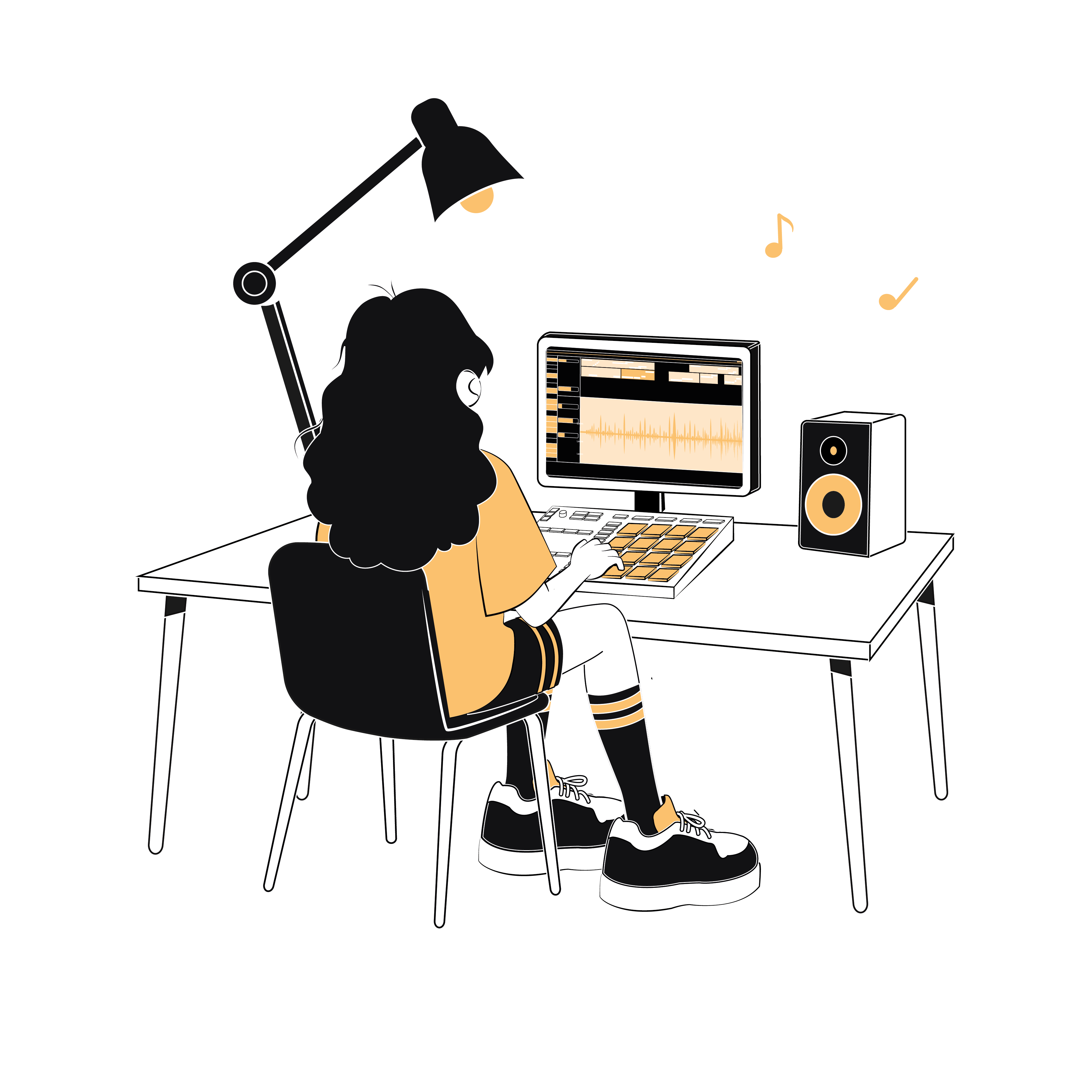
Producer back in the studio, finishing the track with KITE Sampler as a plugin in their DAW
03IN THE DAW

Pick it up in your DAW.

Load KITE Sampler on your desktop and open the project. Everything's where you left it — finish the track.

Why it matters.

Most samplers force a choice: a plugin that only runs in your DAW, or a tablet app that only runs on one device. Either way, the work doesn't move with you. A beat sketched on the couch becomes an export, a re-import, a rebuild at the desk. KITE Sampler removes that step. The session opens wherever KITE Sampler opens — and KITE Sampler opens on every device a working producer uses.

How KITE Sampler compares to other samplers →

Tablet samplers, plugin support, 2026.

Which tablet samplers also ship a desktop plugin? At the time of writing, only two: KITE Sampler and Decent Sampler.

Product
iPad
Android
VST3
CLAP
Mapping
Chopping
KITE Sampler
Decent Sampler
Koala Sampler
~
Flip Sampler
~

A note on what "plugin" means in that column. Some tablet samplers can bounce stems or push a drum rack into your DAW — useful, but one-way. You can't reopen that bounce on the tablet and keep working. KITE Sampler opens the same project file on both sides. Same session, both directions.

What moves with the file.

The project file isn't a bounce or a preset pack. It carries the whole session — so opening it on another device is genuinely picking up where you left off, not rebuilding.

Samples

Every audio file you've dropped into the session, embedded in the project file.

Mapping

Keyboard zones, per-sample pitch and stretch, all 128 MIDI assignments.

Routing graph

Output channels, patch cables, FX chains — the full modular scene graph.

Engines

Every active sampler engine and its state, so multi-engine sessions re-open intact.

Sequences

Patterns, section assignments, and the arrangement that ties them together.

Performance

Pad layout, mute groups, envelopes, and anything else you can tweak live.

And how it moves. Like any file. iCloud Drive, Dropbox, Google Drive, AirDrop, USB-C, a network share. No proprietary cloud, no account login. If you can move a wav, you can move a KITE Sampler project.

On the desktop, in your DAW.

KITE Sampler loads as a VST3 or CLAP plugin on macOS and Windows, and as an AUv3 plugin on macOS. No special setup — drop it on a track and your tablet session opens inside the DAW.

Ableton LiveVST3
Logic ProAUv3 (macOS)
FL StudioVST3 · CLAP
Bitwig StudioVST3 · CLAP
ReaperVST3 · CLAP

All names are trademarks of their respective owners.

Moving sessions, asked.

Save the project on the tablet. Move the file to your desktop the way you move any file — iCloud Drive, Dropbox, AirDrop. Open KITE Sampler as a VST3 or CLAP plugin in Ableton (or AUv3 in Logic). Load the project. Same samples, same routing, same sequences.

No. KITE Sampler doesn't bounce or flatten — it's the same sampler on both sides. The tablet app and the desktop plugin open the same project file. Edit on either, save on either. Nothing baked in.

Yes. The Android tablet app reads and writes the same project file as iPad and the desktop plugin. Same engine, same format — no iOS-only path.

Yes. The project is a single file. Move it however you move audio — iCloud Drive, Dropbox, Google Drive, AirDrop, USB-C, a network share. Nothing KITE-specific.

Ready to work everywhere?

Get KITE — Full Access.

Launch offer
 
One-time purchaseNo subscription. Yours forever.
Includes all platforms