One project, everywhere you work
KITE —
from chop
to beat.
Load your own samples, chop them, sequence them. When a sketch grows up, patch engines and effects into a scene graph you wire like a rack.
Watch
The teaser.
The workflow
One .kite file, everywhere you work.
 01 · On the tablet
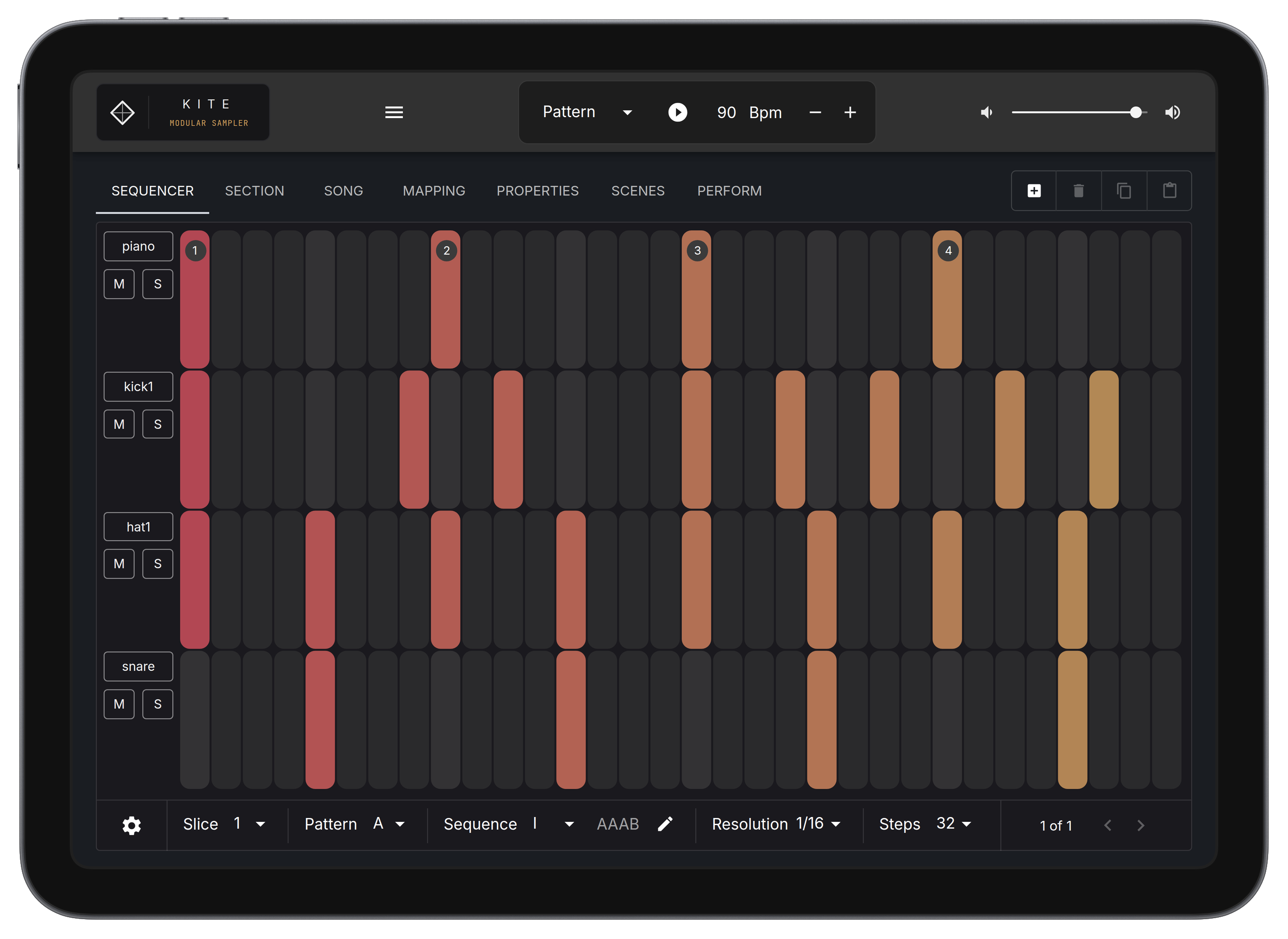
Sketch where the idea hits.
Chop a sample, tap in a pattern, patch an effect. Save.
 02 · One file
It's all in the .kite file.
Samples, slices, mapping, routing — the whole session in one file.
 03 · In the DAW
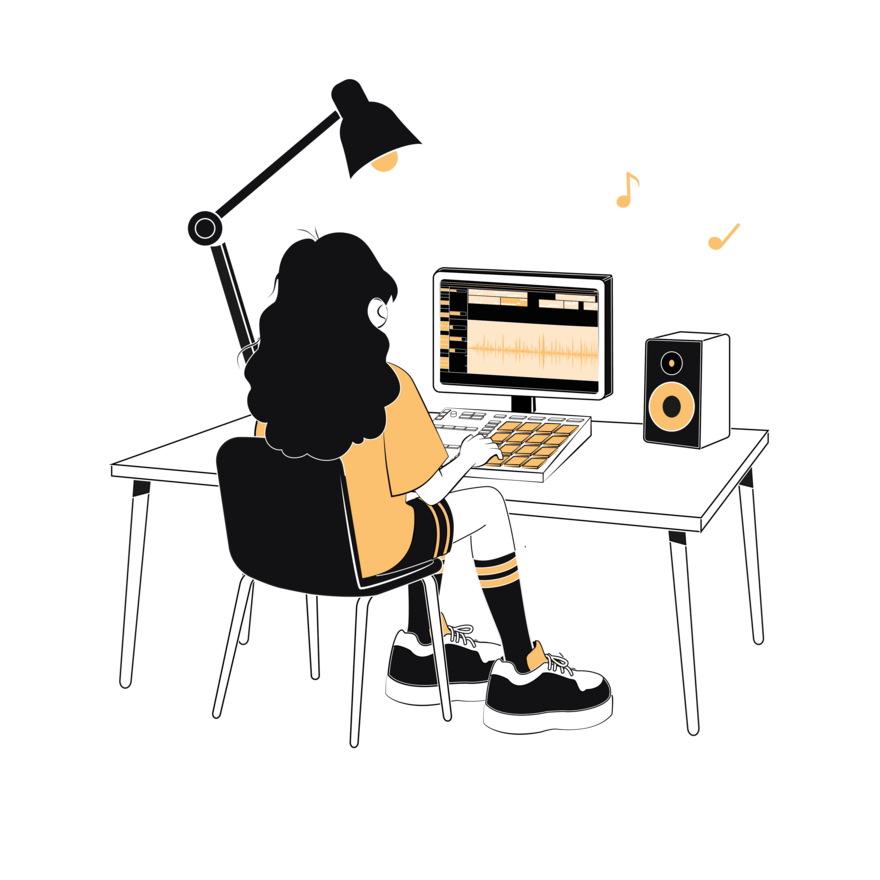
Open it. Keep going.
The same file loads in KITE on desktop — every slice exactly where you left it.
Everywhere, specifically
Your DAW
Loads as a plugin in Ableton, Logic, FL Studio and other hosts.
Standalone app
Runs as a native desktop app on macOS and Windows — no DAW required.
Native touch app
The full sampler on iPad and iPhone — not a desktop app squeezed onto a screen.
More on the iPad app →Native touch app
The same sampler, native on Android phones and tablets — low-latency audio built in.
More on the Android app →The 6 Sections.
Six focused areas, each built for one job — from the waveform editor where you chop, to the fully patchable scene graph.
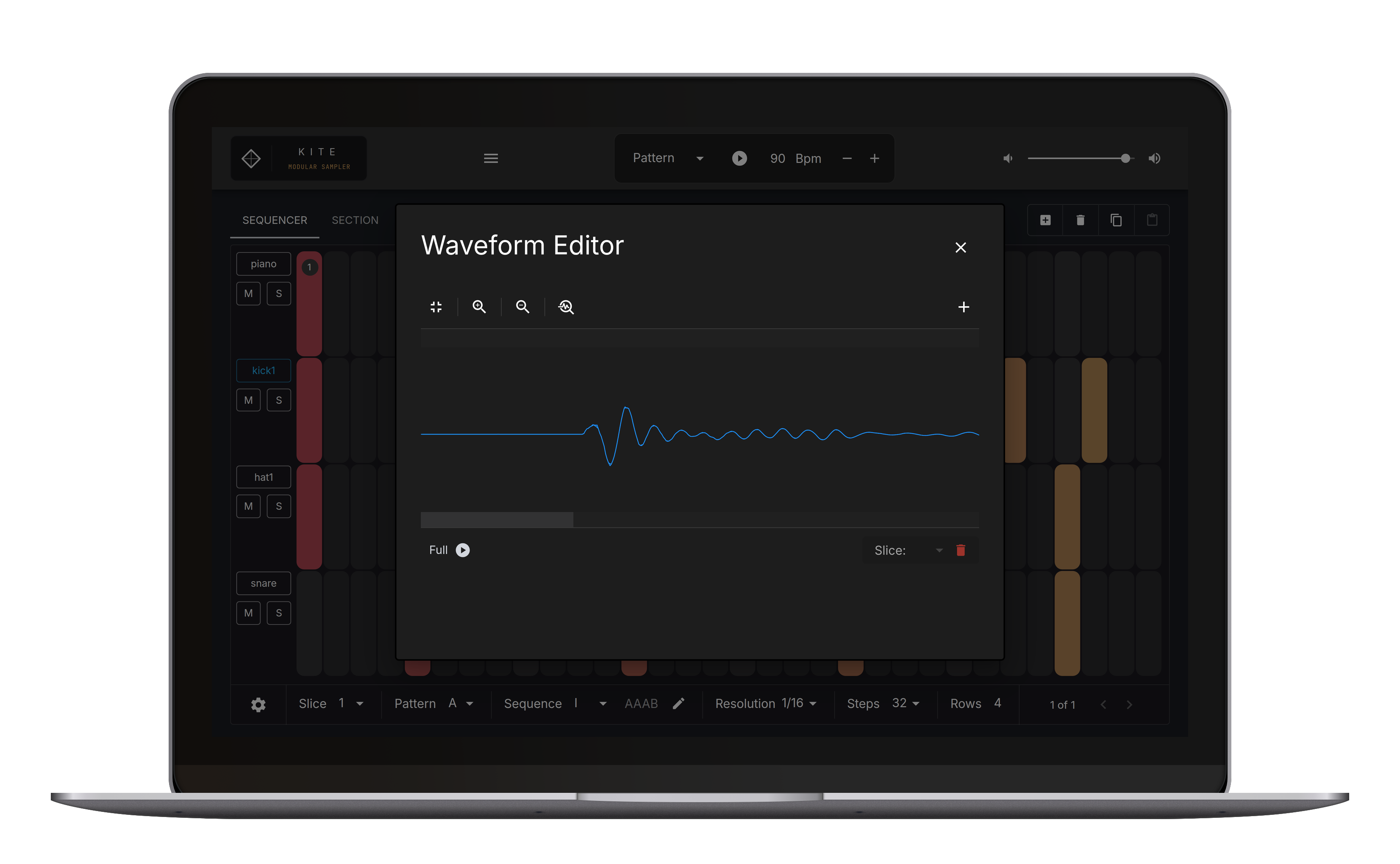
Waveform Editor
Chop fast, zoom precisely, set markers in one move.
The Sequencer
Tap in kicks and snares. Get a pattern going fast.
Section Arranger
No automation lanes to draw. Chain your patterns into Sections and arrange the track from there.
Mapping Editor
Map a chop across the keyboard, stretch it, split it into zones — a full mapping editor.
Modular Scene Graph
KITE ProRoute samples between engines and patch effects into the chain. Connections you couldn't make with a standard mixer.
Properties
Mute groups, envelopes, per-sample settings. Everything that lives at the sample level.
Free runs one sampler engine and no effects. Pro opens the scene graph, adds the song arranger, and lifts the limit on engines and effects.
The Waveform Editor.
Direct chopping. Zoom, drop markers — the way a sample editor should feel.
Visual Effects Rack
Five FX.
Nothing in the way.
Hands-on effects, made to be performed — not just programmed.
- 2-Band DJ EQ:Quick tonal shifts.
- 3-Band DJ EQ:Cut the mud, keep the punch.
- BPM Delay:Synced rhythmic echoes.
- Simple Delay:Dub-style feedback loops.
- Reverb:Decay that sits back without clouding the mix.
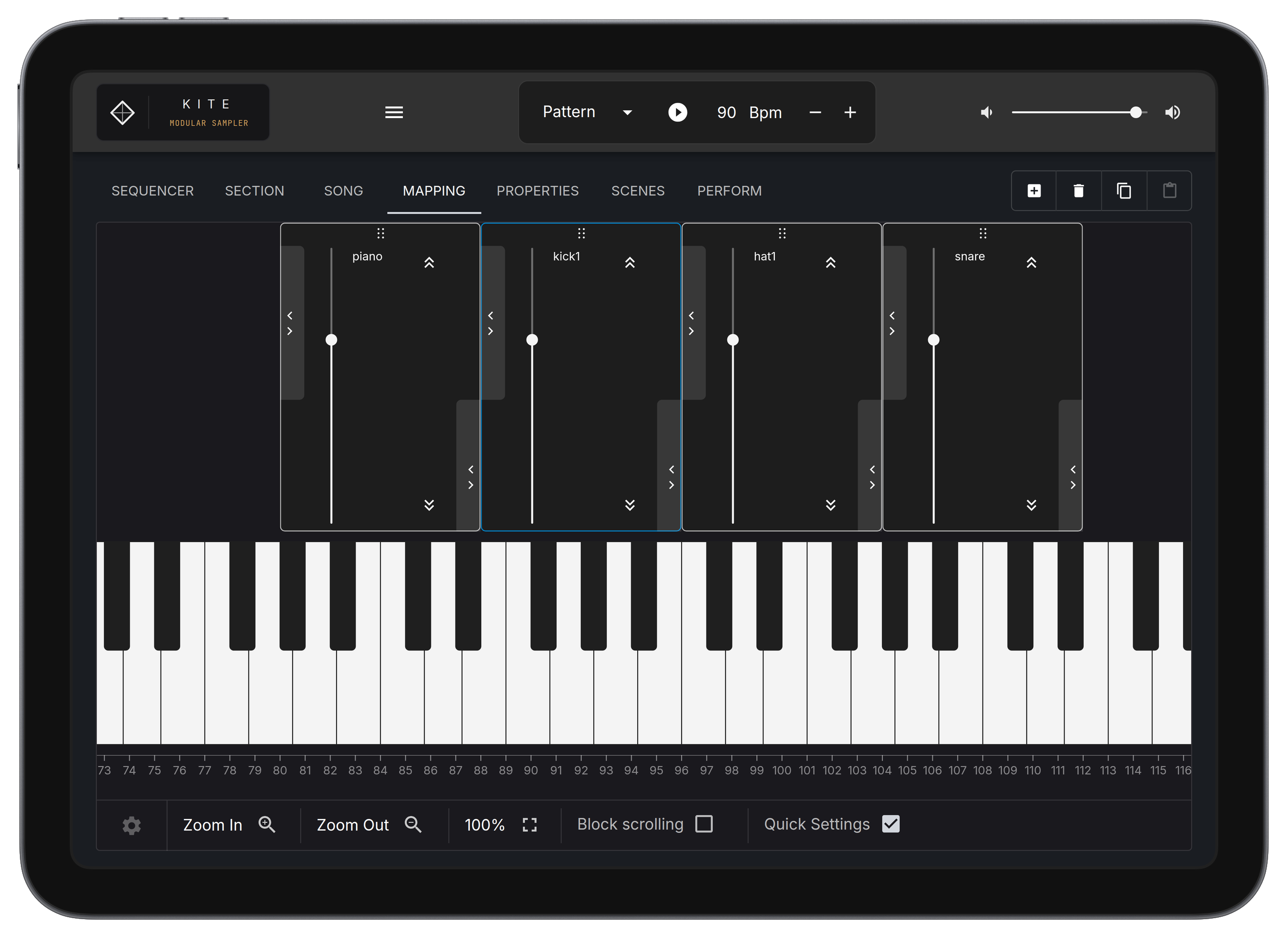
A full-featured Mapping Editor.
Stretch and pitch samples across the full keyboard range. Hook up a class-compliant MIDI keyboard and trigger them across all 128 notes — plug in and play.
Technical Specs.
Frequently asked.
The full chop workflow: load a sample, chop it, map it across the keyboard, sequence it, save it, bounce it — standalone on phone, tablet and desktop. No time limit, no watermark, no account. Free runs one sampler engine and no effects. Pro adds the modular scene graph, the song arranger, and unlimited engines and effects. The plugin versions — VST3, CLAP and AUv3 — come with Desktop Pro.
No. KITE runs standalone on phone, tablet and desktop. It also loads as a VST3, CLAP, or AUv3 (macOS) plugin if you'd rather work inside your DAW.
No — on purpose. Load your own: chops, field recordings, hardware bounces. Your sound, not ours.
Yes — natively, on iPhone and on Android. It's the same app you'd run on a tablet or a desktop, opening the same projects. A tablet gives the mapping and routing more room, so that's where we'd start if you have the choice.
Yes. Desktop Pro is $39, paid once, for macOS, Windows and every plugin format. Mobile Pro is a $9.99 in-app purchase (introductory price) on the App Store or Google Play. No subscription either way.
Start with Free.
Load a sample, chop it, sequence it, save and bounce it. Standalone on phone, tablet and desktop. No time limit, no watermark, no account.
Download KITE Free